Email and online scams

Be Cautious of Email and Online Scams: Protecting Yourself from Cyber Threats

In connection to our series on cybersecurity, we will be discussing about email and online scams and how to protect ourselves against it. Email and online scams have become prevalent threats that can compromise our personal information, financial security, and online accounts. Scammers employ various deceptive tactics to trick unsuspecting individuals into revealing sensitive details or falling victim to fraudulent schemes. Understanding the risks and learning how to protect yourself is crucial in navigating the online landscape securely. In this article, we will explore common email and online scams, discuss preventive measures, and empower you to stay vigilant in the face of cyber threats.

Recognizing Email and Online Scams

Scammers use a variety of techniques to carry out their malicious activities. It's essential to be able to recognize the red flags and identify potential scams. By familiarizing yourself with common tactics, you can better protect yourself against cyber threats.

Phishing Attacks:

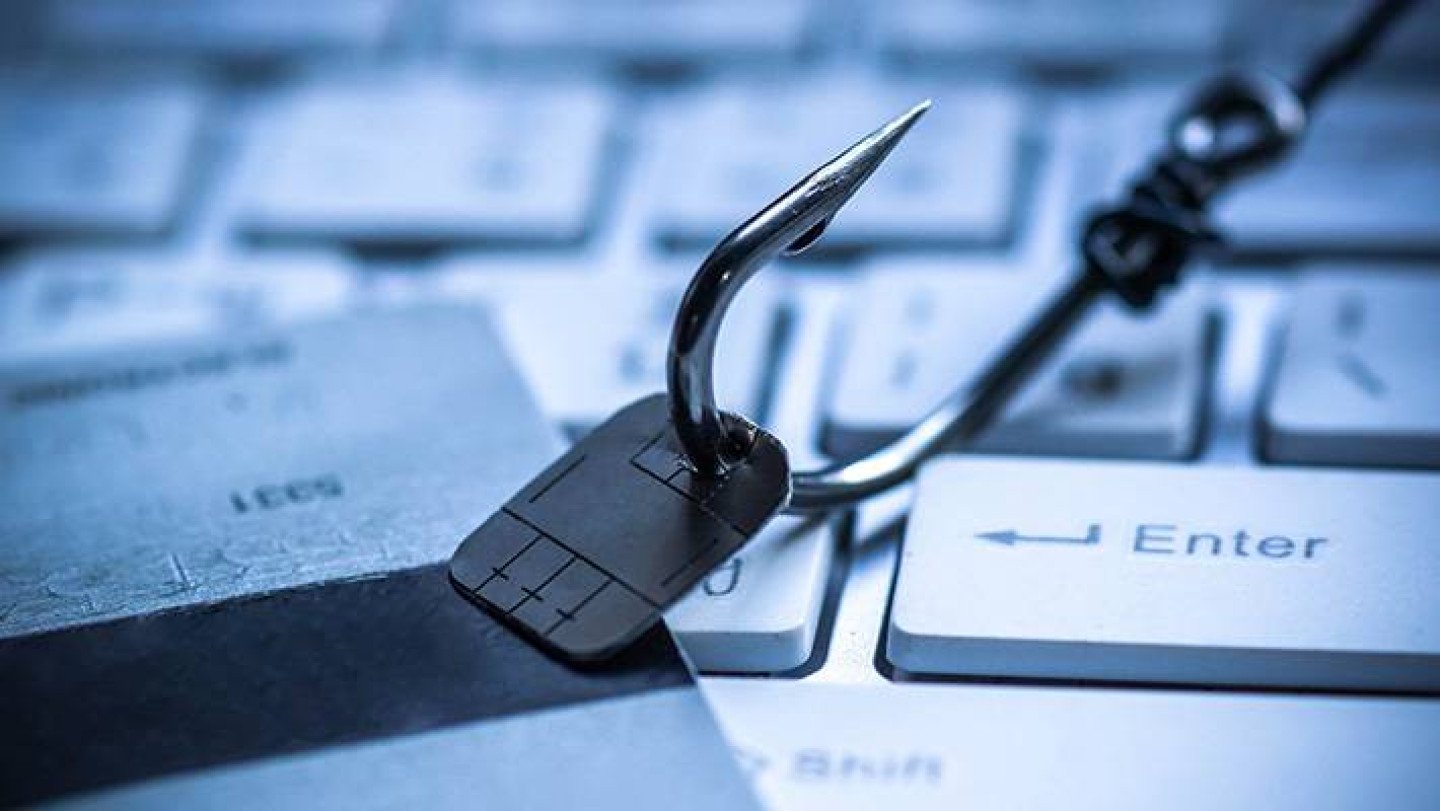
Phishing is a prevalent scam where fraudsters impersonate legitimate organizations, such as banks or online service providers, to trick individuals into revealing their personal information. They often create convincing emails or websites that mimic the official ones, luring victims into providing sensitive details like usernames, passwords, or credit card information.

Identity Theft:

Scammers may attempt to steal your identity by gathering personal information from various sources, such as social media profiles or public records. With this information, they can carry out fraudulent activities under your name, leading to severe financial and reputational damage.

Online Fraud:

Online fraud encompasses various scams, including fake online marketplaces, auction fraud, or romance scams. These schemes aim to deceive victims into making purchases or transferring money to the scammers, resulting in financial losses.

Preventive Measures: Protecting Yourself Online

Taking proactive steps to protect yourself from email and online scams is crucial. By implementing preventive measures and following best practices, you can significantly reduce the risk of falling victim to cybercriminals.

Stay Skeptical and Vigilant:

Remain cautious when receiving unsolicited emails or messages asking for personal information or financial details. Verify the legitimacy of the sender before responding or providing any sensitive information. Be wary of urgent requests or offers that sound too good to be true.

Secure Password Practices:


Use strong, unique passwords for all your online accounts. Incorporate a combination of uppercase and lowercase letters, numbers, and special characters. Avoid using easily guessable information like birthdays or pet names. Consider using a reputable password manager to securely store and generate complex passwords.

Enable Two-Factor Authentication (2FA):

Activate 2FA whenever possible. This additional layer of security adds an extra step for account verification, making it harder for unauthorized individuals to gain access to your accounts.

Educate Yourself:

Stay informed about the latest email and online scams. Regularly update your knowledge to recognize evolving tactics used by scammers. Share information with friends and family to create awareness and foster a safer online community.

Protecting Your Data and Privacy

In addition to safeguarding yourself against scams, it's crucial to prioritize the security of your personal data and privacy online. By taking appropriate measures, you can minimize the risk of unauthorized access and protect your sensitive information.

Update Software and Use Security Tools:

Regularly update your operating system, web browsers, and other software to patch security vulnerabilities. Install reliable antivirus software and keep it up to date to protect against malware and other threats.

Secure Wi-Fi Connections:

When using public Wi-Fi networks, exercise caution. Avoid accessing sensitive information or making financial transactions on unsecured networks. Consider using a virtual private network (VPN) to encrypt your internet traffic and enhance security.

Be Mindful of Social Media:

Be mindful of the information you share on social media platforms. Restrict your privacy settings, and be cautious about accepting friend requests or connecting with unknown individuals. Avoid sharing personal details that could be exploited by scammers.

Take Away Thought

Protecting yourself from email and online scams requires a combination of vigilance, knowledge, and adopting secure practices. By staying informed, being skeptical of unsolicited requests, and implementing preventive measures, you can significantly reduce the risk of falling victim to cyber threats.

Finally, In an increasingly interconnected world, email and online scams pose significant risks to individuals' personal information and financial security. By understanding the common tactics employed by scammers and adopting preventive measures, you can enhance your online safety. Stay alert, be cautious, and prioritize the security of your data and privacy. By taking these steps, you can navigate the digital landscape with confidence and protect yourself from email and online scams.
Computer security tips

Cybersecurity: 7 Essential Computer Security Tips

Maintaining computer security is crucial to safeguarding your online presence. With the ever-present threats of cyberattacks, data breaches, and identity theft, it's essential to take proactive measures to protect yourself. This article presents seven essential computer security tips that will empower you to enhance your online security and enjoy a safer digital experience.

Tip #1: Keep Your Operating System and Software Up to Date

Regularly updating your operating system (such as Windows, macOS, or Linux) and software is vital for maintaining a secure computer. These updates often include essential security patches that address vulnerabilities exploitable by malicious actors. Enable automatic updates whenever possible or regularly check for updates manually. Remember to update not only your operating system but also your web browsers, antivirus software, and other applications you frequently use. Outdated software can serve as an easy target for hackers searching for security flaws.

Tip #2: Use Strong and Unique Passwords for All Your Online Accounts

Using strong and unique passwords is one of the most effective ways to protect your online accounts from being compromised. Aim for passwords that are at least 12 characters long and include a combination of uppercase and lowercase letters, numbers, and special characters. Avoid common patterns and easily guessable information like your name, birthdate, or address. Use a different password for each online account to minimize the impact of a potential breach. To simplify password management, consider utilizing a reputable password manager. Additionally, enable two-factor authentication (2FA) whenever possible to add an extra layer of security.

Tip #3: Be Cautious of Phishing Emails and Scams

Phishing emails and scams are deceptive attempts by malicious individuals to trick you into revealing sensitive information or performing actions that compromise your security. To stay safe, exercise caution and skepticism when encountering unsolicited emails, especially those requesting personal or financial information. Verify the source of an email by checking the sender's address for legitimacy. Avoid clicking on links or downloading attachments from unknown or untrusted sources. Watch for red flags such as poor grammar, spelling mistakes, or urgent requests. Refrain from sharing personal, financial, or login details via email or on unfamiliar websites. When in doubt, contact the organization directly using verified contact information to authenticate the request.

Tip #4: Enable Multi-Factor Authentication (MFA) for Your Online Accounts

Multi-factor authentication (MFA) provides an additional layer of security for your online accounts, requiring more than just a password to access them. Opt for MFA methods such as SMS codes, authenticator apps (e.g., Google Authenticator, Authy), or hardware tokens. Visit the security or account settings of your online accounts (email, social media, banking, etc.) to enable MFA. Keep backup options or multiple MFA methods in case your primary one becomes unavailable. By implementing MFA, even if someone obtains your password, they would still need the additional factor (e.g., your phone) to gain access, significantly enhancing the security of your accounts.

Tip #5: Regularly Back Up Your Important Data

Backing up your data is essential for protecting it against unexpected events such as hardware failures, theft, or malware attacks. Choose a backup method that combines local and remote backups for comprehensive protection. Local backups can be stored on external hard drives or network-attached storage (NAS), while remote backups can utilize cloud storage services. Set up automated backup schedules to ensure regular and consistent backups, reducing the risk of forgetting to back up your data. Periodically verify the integrity of your backups to ensure they can be successfully restored if needed. Store backups securely, keeping local backups in a safe location away from your primary device and opting for reputable and secure cloud storage providers for remote backups. Additionally, periodically test the data restoration process to ensure everything is working as expected.

Tip #6: Use a Reputable Antivirus and Keep It Up to Date

Antivirus software plays a crucial role in protecting your computer from malware, viruses, and other malicious threats. Select a well-known antivirus solution from a trusted provider, ensuring it offers features such as real-time scanning, automatic updates, and reliable threat detection. Regularly update your antivirus software to ensure it has the latest virus definitions and security patches. Enable automatic updates whenever possible. Schedule regular full system scans to check for potential infections or threats that may have slipped through. Activate the real-time scanning feature of your antivirus software to detect and block threats in real-time. While antivirus software is important, remember to practice safe browsing habits, such as avoiding suspicious websites, clicking on unknown links, or downloading files from untrusted sources.

Tip #7: Secure Your Home Wi-Fi Network

Securing your home Wi-Fi network is essential to protect your internet connection and the devices connected to it. Change the default router login credentials, as they are often well-known and easily exploitable. Enable WPA2 or WPA3 encryption on your Wi-Fi network to secure the data transmitted between devices and your router, avoiding the outdated and less secure WEP encryption. Create a strong, unique password for your Wi-Fi network, utilizing a combination of uppercase and lowercase letters, numbers, and special characters. Turn off the remote management feature on your router to eliminate a potential entry point for attackers. Activate the built-in firewall on your router to add an extra layer of protection against unauthorized access. Modify the default network name (SSID) to avoid revealing the router's manufacturer or model. Disable Wi-Fi Protected Setup (WPS) as it can be susceptible to brute-force attacks.

Takeaway: By implementing these seven essential computer security tips, you can significantly enhance your online security and protect yourself from cyber threats. Regularly updating your operating system and software, using strong and unique passwords, staying cautious of phishing emails and scams, enabling multi-factor authentication, backing up your important data, using reputable antivirus software, and securing your home Wi-Fi network are all crucial steps in safeguarding your digital life. Prioritize your online security and enjoy a safer and more secure online experience.

For more articles about computer security tips please check my articles on Cybersecurity.

Recent Comments

Recent Comments

<script async src="https://pagead2.googlesyndication.com/pagead/js/adsbygoogle.js?client=ca-pub-5632955334189535"
     crossorigin="anonymous"></script>
<!-- Edmonagron.com -->
<ins class="adsbygoogle"
     style="display:block"
     data-ad-client="ca-pub-5632955334189535"
     data-ad-slot="7024380797"
     data-ad-format="auto"
     data-full-width-responsive="true"></ins>
<script>
     (adsbygoogle = window.adsbygoogle || []).push({});
</script>

EDREV Multimedia 2025 ©  All Rights Reserved